🗓️ Week 09
Working with APIs
05 Dec 2025
RESTful Web APIs
- They are all around you
- consider a simple Google search:
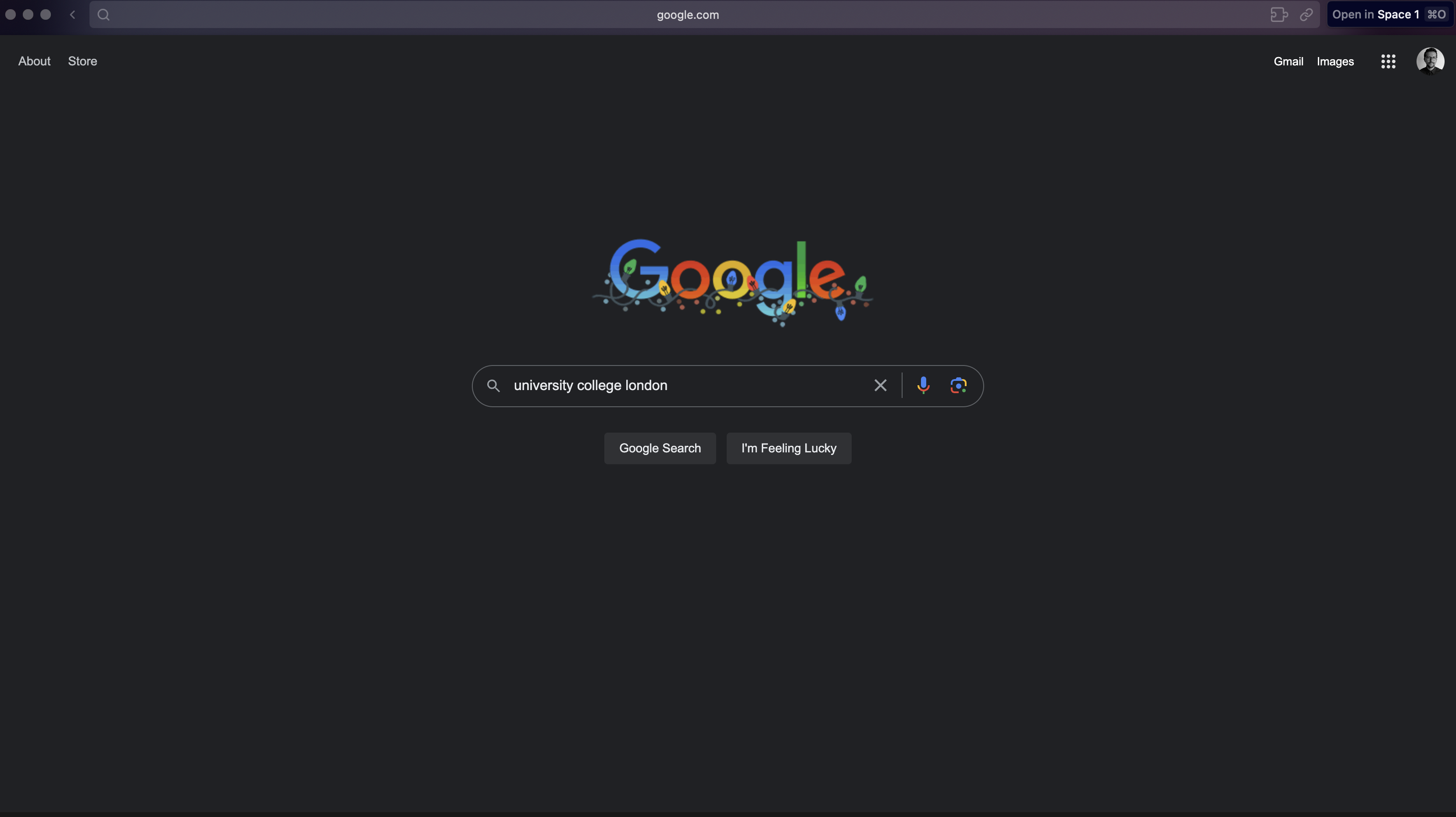
- Ever wonder what all that extra stuff in the address bar was all about?
- the full address is Google’s way of sending a query to its databases requesting information related to the search term “university college london”
Anatomy of API
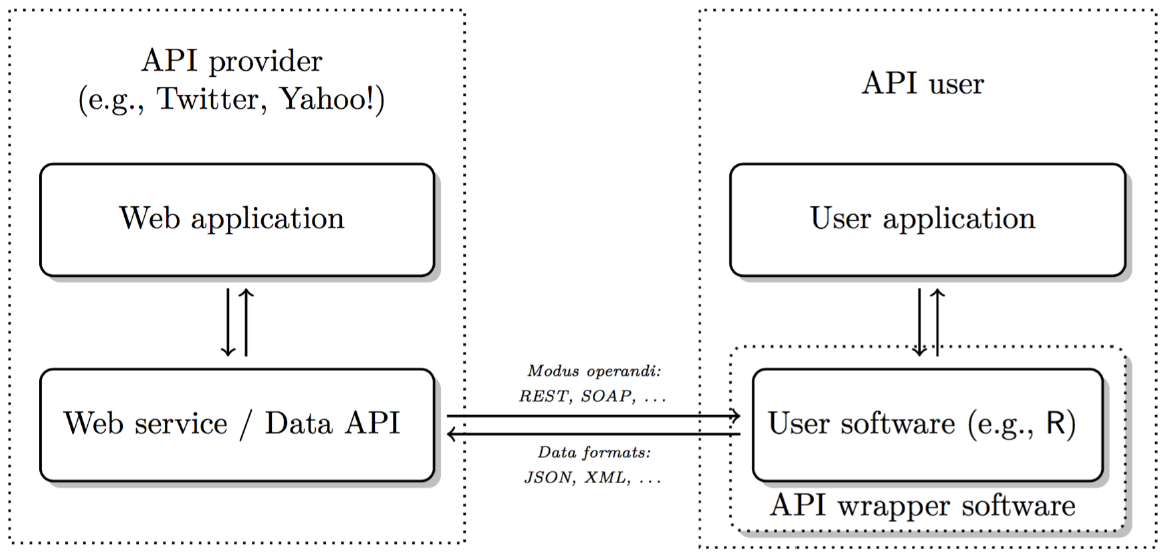
- API = Application Programming Interface
- a set of structured http requests that return data in a lightweight format
- HTTP = Hypertext Transfer Protocol
- how browsers and e-mail clients communicate with servers
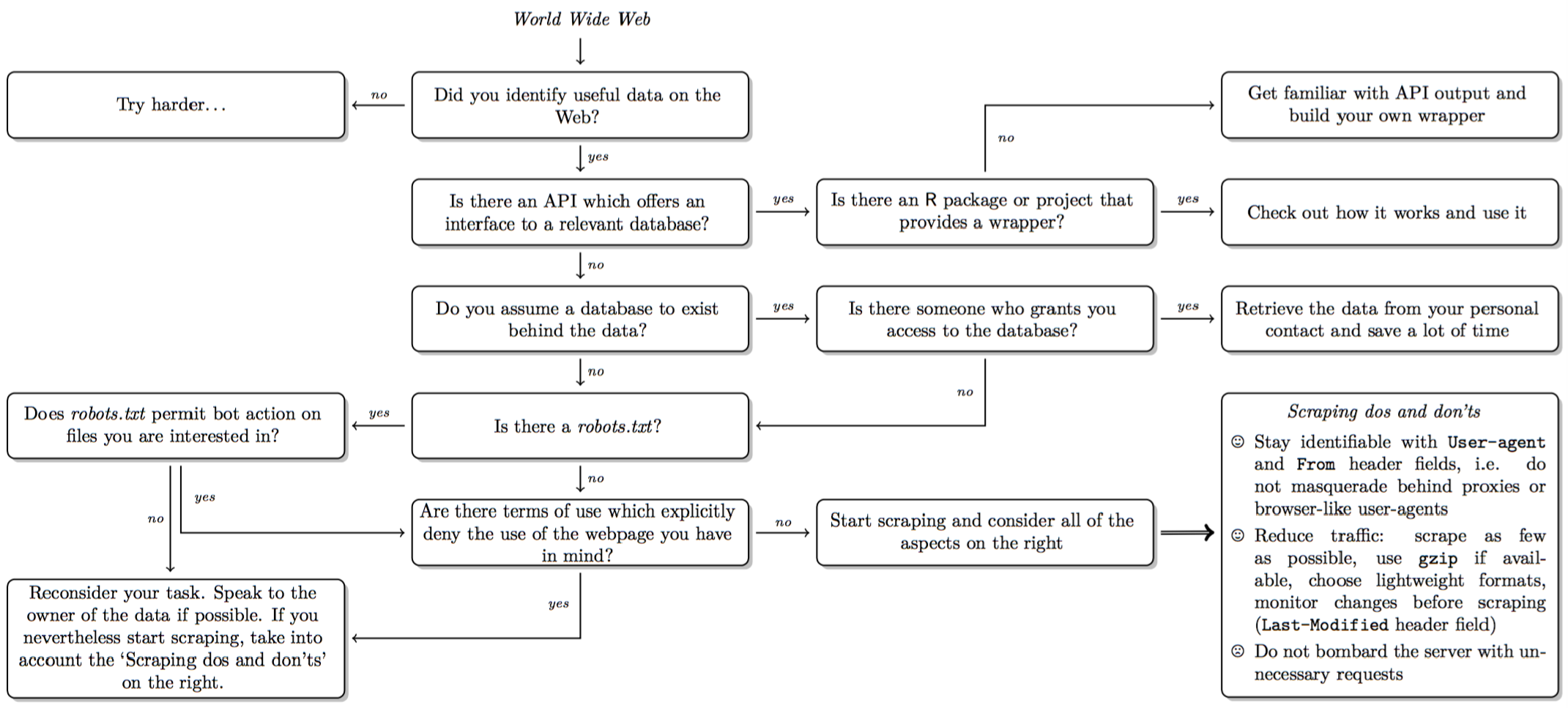
Decision in scraping
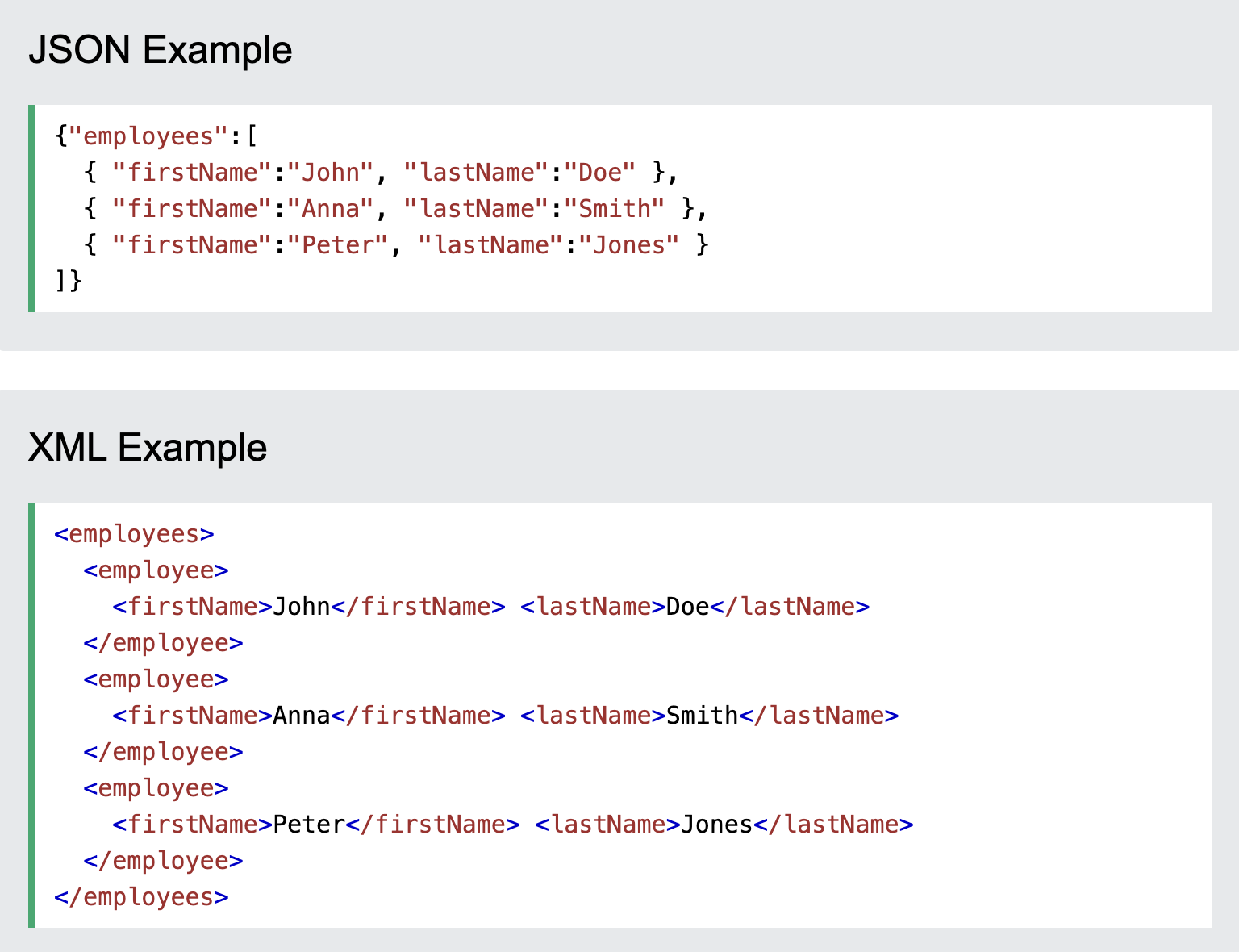
(Reponse) Formats: XML
- XML (eXtensibleMarkupLanguage, *.xml)
- plain text format like JSON
- syntax of choice for many newly designed document formats (Word documents!)
- looks like HTML but has purpose to store data: Markup (mostly tags) & content
Json vs XML:
Getting API Access
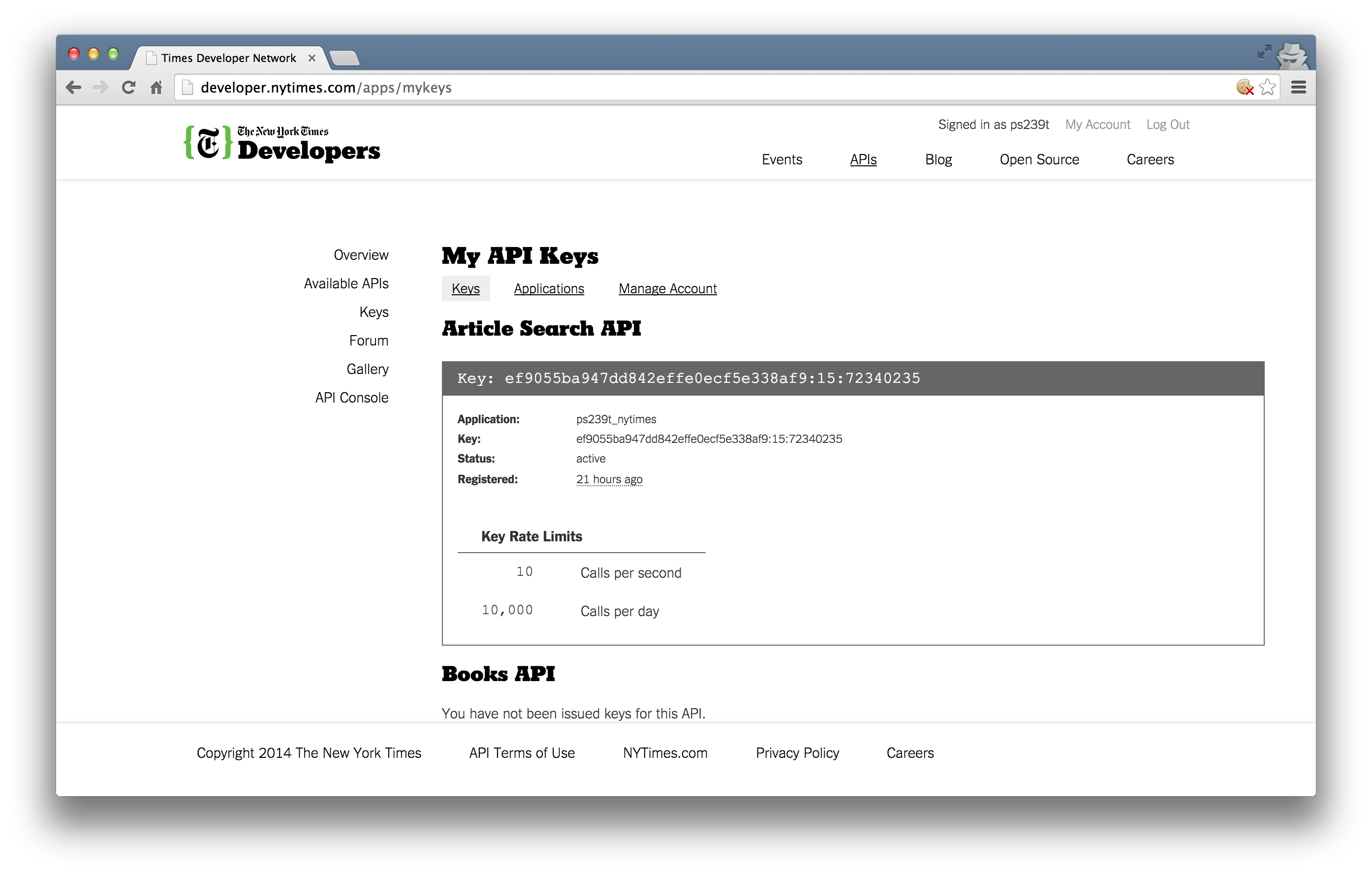
Most APIs requires a key or other user credentials before you can query their database
Getting credentialised with a API requires that you register with the organization
Most APIs are set up for developers, so you will likely be asked to register an application
Once you have successfully registered, you will be assigned one or more keys, tokens, or other credentials that must be supplied to the server as part of any API call you make
Using httr Package
- Visualising daily mean temperature (last 5 years-November)
# Pick last 4 *complete* Novembers
this_year <- as.integer(format(Sys.Date(), "%Y"))
years <- (this_year - 5):(this_year - 1)

nov <- map_dfr(years, get_nov)
# Plot
ggplot(nov, aes(day, tmean, colour = year, linetype = year)) +
  geom_line(linewidth = 1) +
  stat_summary(
    fun = mean, geom = "line",
    aes(group = 1),
    colour = "black", linewidth = 1.3,
    show.legend = FALSE
  ) +
  scale_colour_brewer(palette = "Blues") +
  scale_linetype_manual(values = c("solid","dashed","dotdash","twodash","longdash")) +
  labs(
    title = "London – Daily Mean Temperature in November (Last 5 Years)",
    subtitle = "Black line is the average temperature",
    x = "Day of November", y = "Mean Temperature (°C)"
  ) +
  theme_minimal(base_size = 14)
Using Google Maps API
ggmapuses Google Maps behind the scenes, so you’ll need an active Google Cloud Platform account (see here if you cannot figure out)- enable the following APIs under APIs and Services – Library:
- Maps JavaScript API
- Maps Static API
- Geocoding API
- enable the following APIs under APIs and Services – Library:
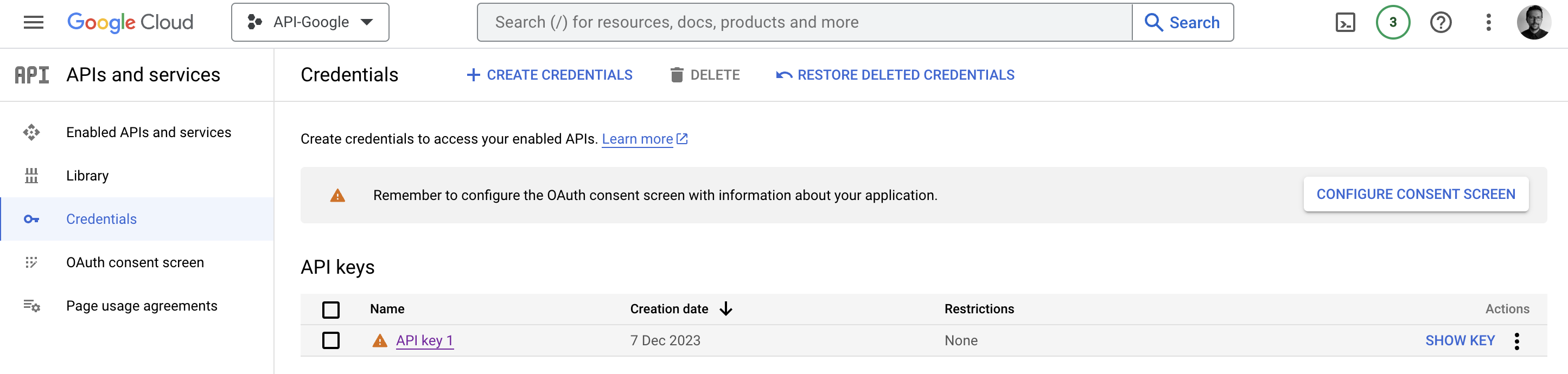
How to use ggmap with Google Maps API
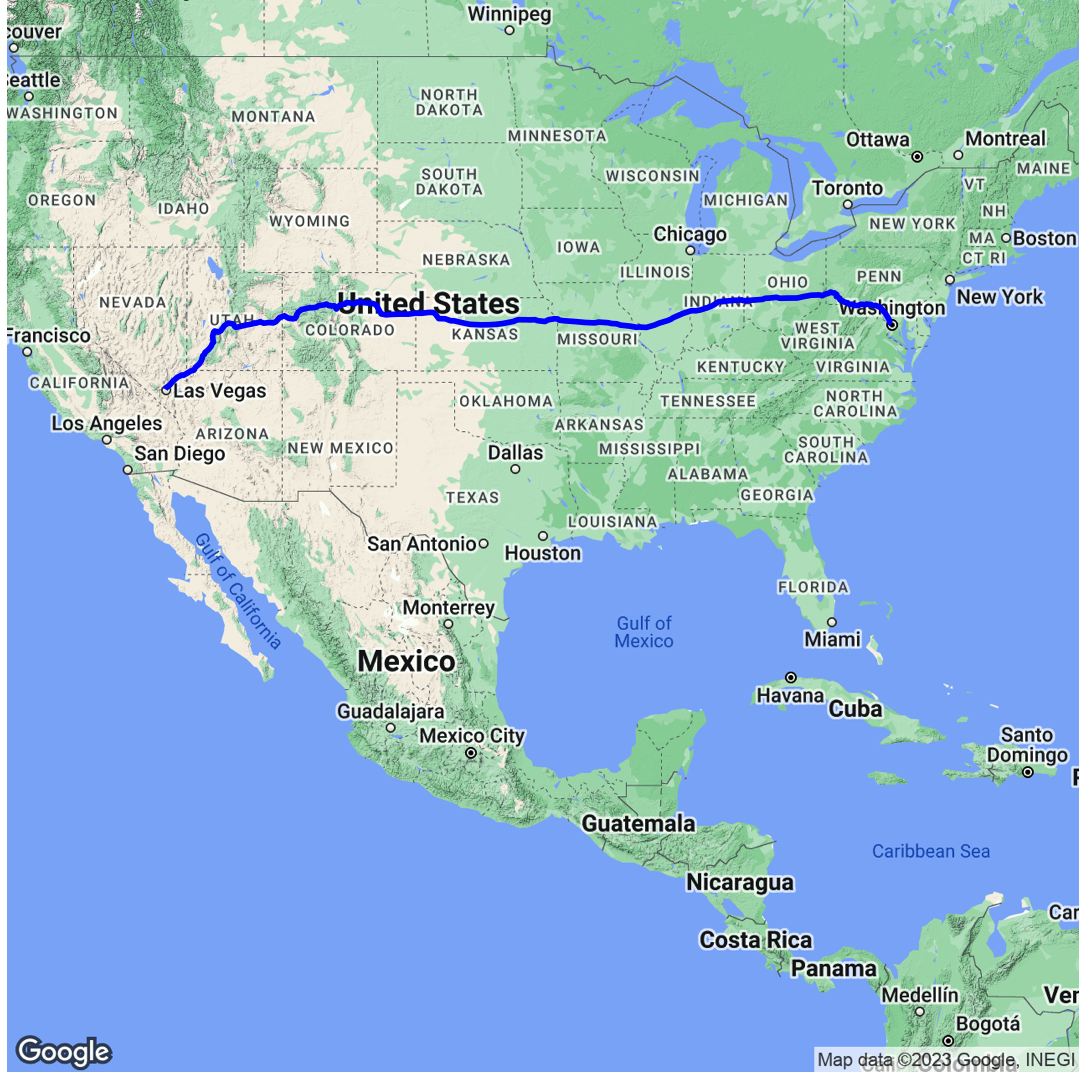
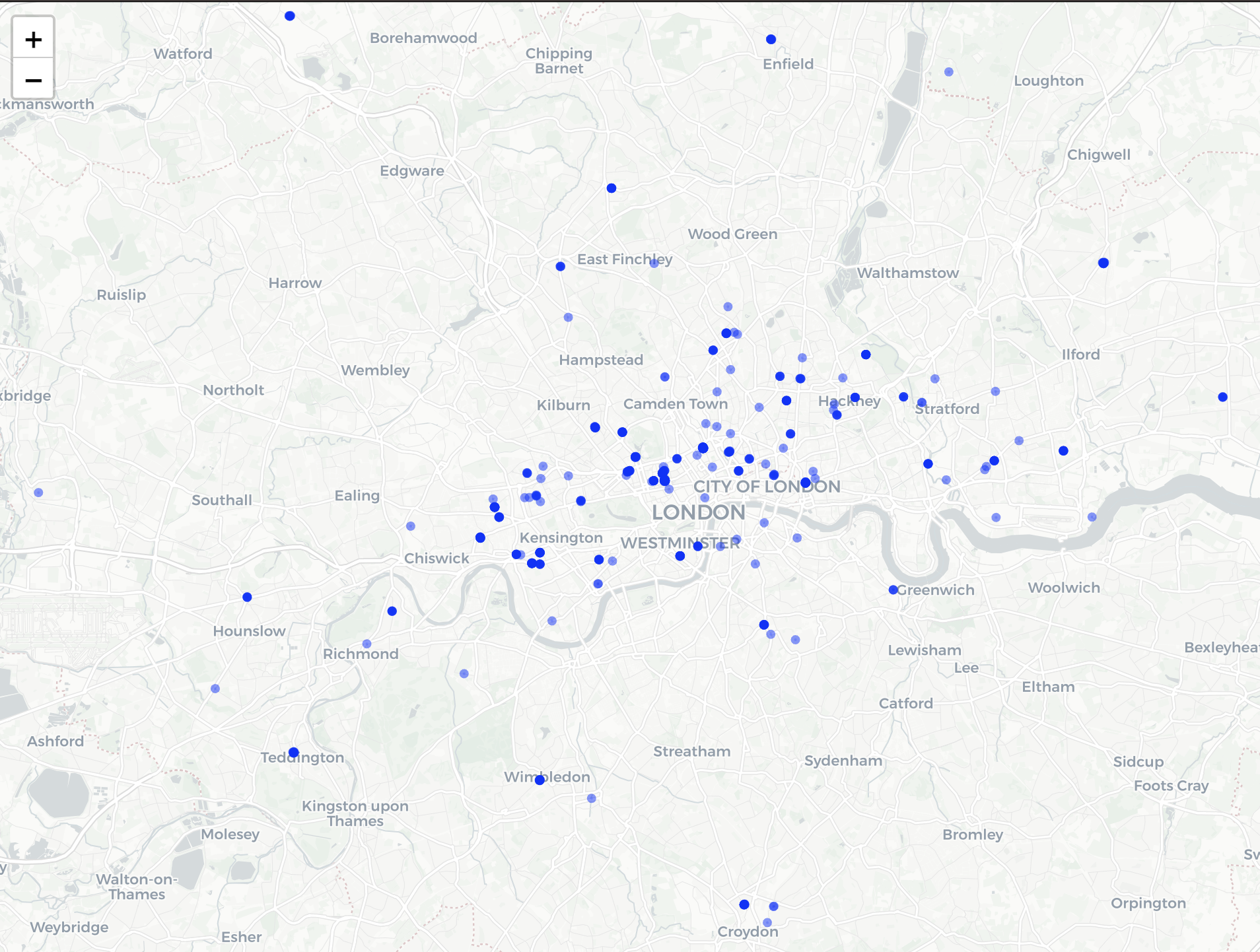
Visualising locations of charities
Lab exercise and further materials
- Visualise location of pubs in Greater London, using OpenStreetMap API
Further texts:
Bonus Tutorial: Spotify API: